
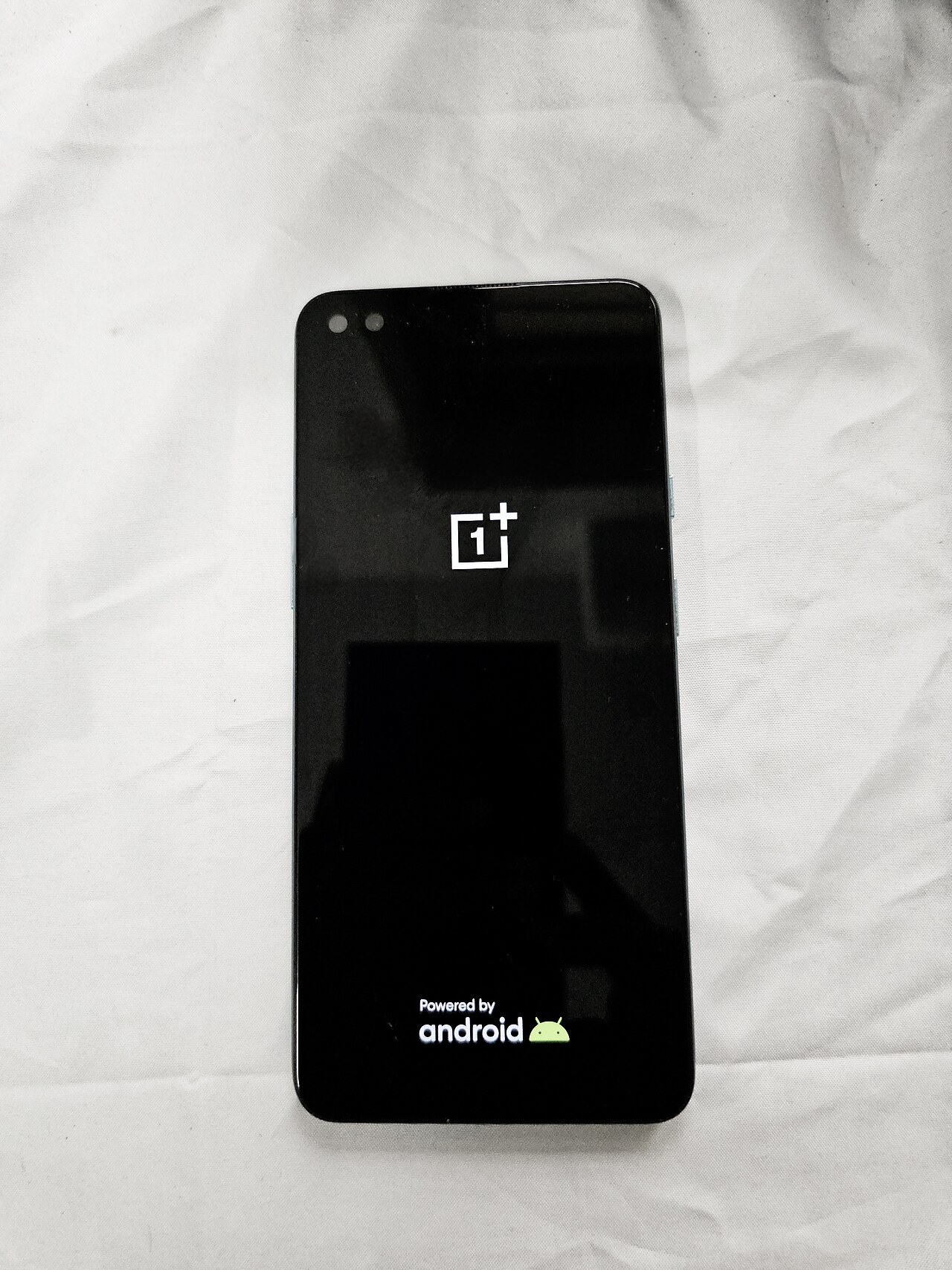
The OnePlus auto-unlock feature is a game changer for users looking to streamline their device interactions. This new functionality enables OnePlus phones and tablets to unlock PCs automatically, enhancing convenience and efficiency.
Introduction to OnePlus Update
In a recent update, OnePlus has introduced an innovative feature that enhances the user experience by allowing phones and tablets to auto-unlock PCs. This new capability is designed to streamline the process of accessing computers, making it more convenient for users who often switch between their mobile devices and PCs.
The OnePlus auto-unlock feature uses advanced technology to create a seamless connection between your mobile device and PC. With just a few simple steps, users can enable this feature and enjoy the ease of logging into their computers without the hassle of remembering passwords or using traditional unlocking methods.
Key highlights of the OnePlus auto-unlock feature include:
- Enhanced Security: The feature utilizes secure connections to ensure that your devices remain protected from unauthorized access.
- Simplicity: Users can unlock their PCs with a single tap, eliminating the need for complex passwords.
- Integration: The feature works seamlessly across various operating systems, making it versatile for different users.
This update marks a significant step forward for OnePlus, positioning the brand as a leader in integrating mobile technology with everyday computing tasks. As more users embrace this technology, it is expected to redefine how we interact with our devices.
How the Auto-Unlock Feature Works
The OnePlus auto-unlock feature is designed to streamline the way users access their PCs by removing the need for manual logins. This functionality leverages a combination of Bluetooth connectivity and the user’s OnePlus device to create a seamless experience.
Here’s how the auto-unlock feature works:
- Bluetooth Connection: When a user pairs their OnePlus smartphone or tablet with their PC via Bluetooth, the devices establish a secure connection.
- Proximity Detection: The auto-unlock feature continuously monitors the proximity of the OnePlus device to the PC. When the user comes within a specified range, the feature activates.
- Authentication: Once in range, the PC checks for the authenticated OnePlus device. If the device is recognized, the PC automatically unlocks, granting the user immediate access.
- Security Measures: To ensure security, the feature requires that the OnePlus device remain unlocked while in proximity, preventing unauthorized access from other devices.
This innovative auto-unlock feature not only enhances convenience but also improves productivity by eliminating the need for repetitive password entries. As users become accustomed to this functionality, OnePlus is setting a new standard for device integration in personal computing.
Benefits of Using OnePlus for PC Access
The introduction of the OnePlus auto-unlock feature brings numerous advantages for users seeking seamless access to their PCs. This innovative functionality enhances user experience by providing a range of benefits that simplify the connection process between devices.
- Improved Convenience: The auto-unlock feature allows users to access their PCs without the need to enter passwords or PINs, streamlining the login process significantly.
- Enhanced Security: By utilizing biometric authentication from OnePlus devices, the feature ensures that only authorized users can unlock their PCs, adding an additional layer of security.
- Seamless Integration: This feature effectively bridges the gap between mobile devices and PCs, creating a more cohesive ecosystem for OnePlus users.
- Time Efficiency: The auto-unlock function reduces the time spent on logging into PCs, allowing users to focus on their tasks rather than on tedious login procedures.
- Remote Accessibility: Users can unlock their PCs from a distance, making it easier to access files and applications without needing physical access to the computer.
Overall, the OnePlus auto-unlock feature not only enhances user convenience but also significantly improves security and efficiency for PC access.
User Experience with the New Feature
The introduction of the OnePlus auto-unlock feature has significantly enhanced user experience, simplifying the way devices connect and interact. Users have reported a seamless transition when unlocking their PCs using their OnePlus devices, making the process not only efficient but also enjoyable.
Many users appreciate the convenience this feature offers, especially in a fast-paced environment where time is of the essence. The auto-unlock capability allows for instant access to their computers without the hassle of password entry or manual authentication. This has been particularly beneficial for those who frequently switch between their OnePlus phones and PCs.
Feedback from early adopters highlights several positive aspects:
- Simplicity: The setup process is straightforward, allowing users to enable the feature quickly.
- Speed: Unlocking a PC has never been faster; users can access their work in mere seconds.
- Security: The feature maintains a high level of security while offering quick access.
In conclusion, the OnePlus auto-unlock feature stands out as a remarkable advancement, transforming the way users interact with their devices and enhancing overall productivity.
Comparison with Other Brands
When considering the OnePlus auto-unlock feature, it’s essential to evaluate how it stands against similar offerings from other brands. Many tech giants have ventured into simplifying device connectivity, but the effectiveness and user experience vary significantly.
- Apple: Apple’s Continuity feature allows seamless device integration but requires all devices to be within the Apple ecosystem. This can limit functionality for users who own devices from other brands.
- Microsoft: Windows Hello offers a robust security feature using biometric login, but it lacks the convenience of auto-unlocking a PC wirelessly through a smartphone. Users often find themselves needing to manually enter passwords even when nearby.
- Samsung: Samsung’s SmartThings offers something comparable, but its setup can be cumbersome and may not work as reliably across different platforms.
- Google: While Google offers features like Smart Lock, they are primarily focused on Android devices and do not extend the same level of integration with PCs as the OnePlus auto-unlock feature.
Overall, the OnePlus auto-unlock feature stands out for its simplicity and ease of use, making it an attractive option for users seeking an efficient solution for PC access.
Setting Up the Auto-Unlock
Setting up the OnePlus auto-unlock feature is a straightforward process that enhances your connectivity between your OnePlus device and PC. To begin, ensure that both your OnePlus smartphone and the PC are updated to the latest software versions. This can be crucial for compatibility and performance.
Follow these steps to enable the feature:
- Download the Required Software: Install the OnePlus Link app on your PC, which provides the necessary support for the auto-unlock function.
- Connect Your Devices: Ensure that your OnePlus phone and PC are connected to the same Wi-Fi network. This connection is vital for seamless communication.
- Enable Bluetooth: Make sure Bluetooth is turned on for both your devices, as this will facilitate a secure connection.
- Configure Settings: Open the OnePlus Link app on your PC and follow the prompts to link your phone. You will need to grant permissions for auto-unlock.
- Test the Feature: Once set up, lock your PC and attempt to unlock it by simply being in proximity with your OnePlus device. If everything is configured correctly, your PC should unlock automatically.
By following these simple steps, you can enjoy the convenience of the OnePlus auto-unlock feature, making your daily tasks easier and more efficient.
Potential Issues and Solutions
While the OnePlus auto-unlock feature offers significant advantages, users may encounter some potential issues. Understanding these challenges and their solutions can enhance the overall experience.
- Connectivity Problems: Users may face difficulties if the Bluetooth connection between their OnePlus device and PC is unstable. To resolve this, ensure that both devices are within a close range and that Bluetooth is enabled.
- Compatibility Issues: The feature may not work seamlessly with all PC models or operating systems. It is essential to check for compatibility updates from OnePlus and ensure your PC is running the latest software version.
- Battery Drain: Some users have reported increased battery consumption due to the auto-unlock feature. To mitigate this, consider adjusting the auto-unlock settings or disabling it when not in use.
- Privacy Concerns: There may be apprehensions regarding security while using the auto-unlock feature. Ensure that all devices are secured with additional authentication methods to enhance safety.
By addressing these potential issues, users can optimize the OnePlus auto-unlock feature for a smoother and more secure experience when accessing their PCs.
Future Updates for OnePlus Devices
As OnePlus continues to innovate, future updates for OnePlus devices are expected to enhance the auto-unlock feature, making it even more seamless for users. The company has a track record of providing timely updates that address user feedback and improve device functionality.
In upcoming releases, OnePlus aims to introduce several enhancements:
- Improved Compatibility: Future updates will likely increase compatibility with a wider range of PC models, allowing more users to benefit from the auto-unlock feature.
- Enhanced Security: OnePlus is committed to ensuring that the auto-unlock feature remains secure. Updates may include additional security measures to protect user data while using this convenient access method.
- User Interface Refinements: Updates may also focus on refining the user interface for easier setup and usage, ensuring that the OnePlus auto-unlock feature is intuitive for everyone.
- Expanded Functionality: Future enhancements could introduce new functionalities, such as customizable settings that allow users to tailor the auto-unlock experience to their specific needs.
With these anticipated improvements, OnePlus continues to solidify its position as a leader in innovation, making the auto-unlock feature an essential tool for users seeking efficient access to their PCs.
via Wikimedia Commons
Sources
Euclid mission data: What are the best findings so far? · Vivo X500 Red Variant: Worth the Price? Proven Specs Inside · Roger Jr. Compatibility Patch: Proven Tips for Tekken 8